
Ryanair accepts PayPal for flight bookings when the payment option is available at checkout. It lets eligible customers authorise payment through their PayPal account instead of entering payment details directly on the airline’s checkout page.
If you want to pay for a Ryanair flight with PayPal, check the available payment methods, review the total fare and confirm that Ryanair has issued your booking confirmation after payment.
How to Pay for Ryanair Flights with PayPal
You can pay for a Ryanair flight with PayPal through the airline’s website or app if the option is available for your booking.
- Search for flights. Visit the official Ryanair website and enter your departure airport, destination, travel dates and passenger details.
- Choose your flight and extras. Review the fare, baggage allowance, seat selection and any additional services you need.
- Enter passenger information. Check that each passenger’s name and travel details are correct before proceeding.
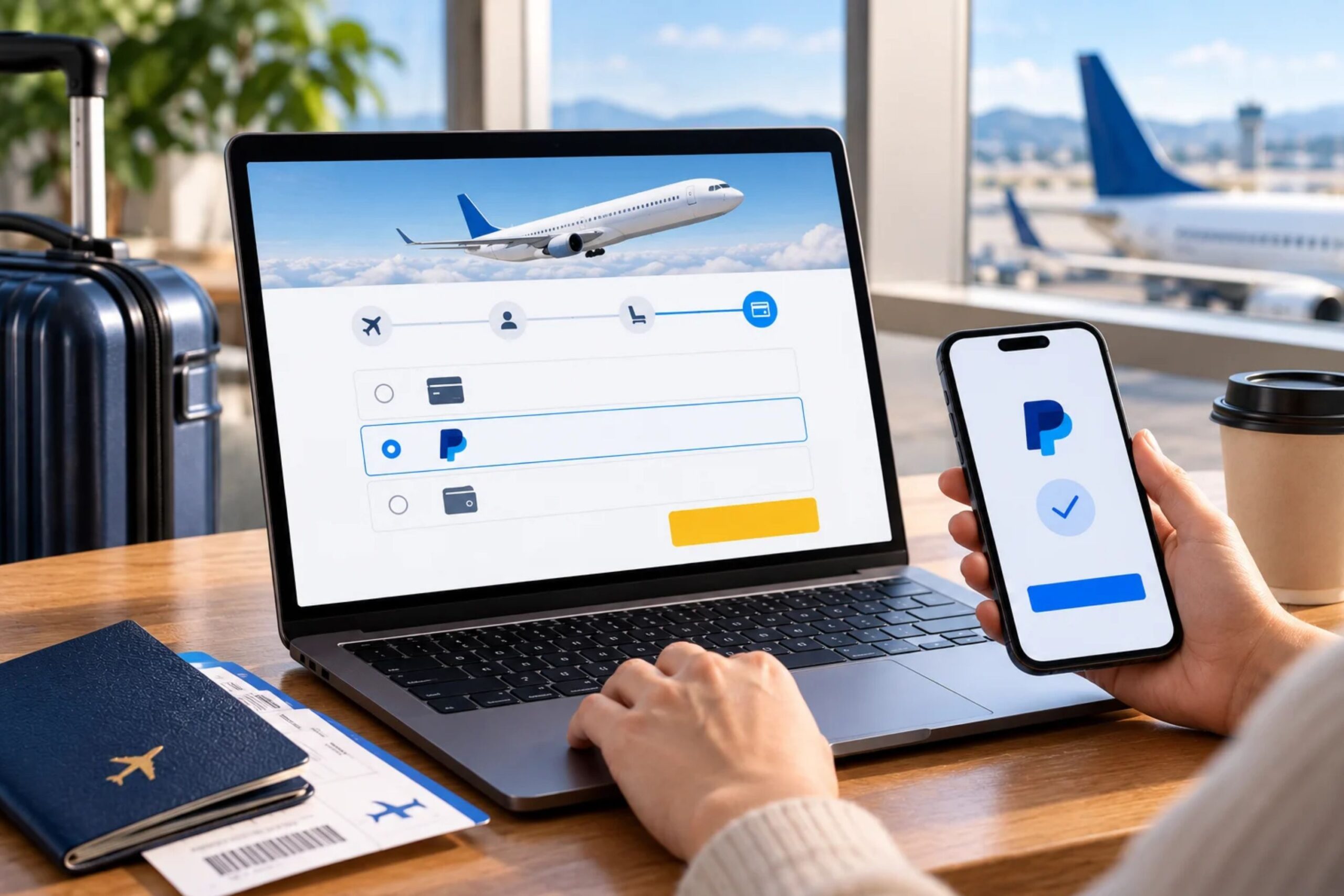
- Select PayPal at checkout. Choose PayPal from the payment methods displayed. Ryanair lists PayPal among its supported options in its official payment help centre.
- Authorise the payment. Follow the instructions to sign in to PayPal and select an available funding source, such as an eligible linked card or bank account.
- Check your booking confirmation. Wait for the transaction to finish and verify that Ryanair has confirmed your reservation and provided a booking reference.
The total may include baggage, seat selection and other extras in addition to the base airfare. Review the final amount before authorising the payment. For a broader comparison of available options, see our guide to accepted payment methods for booking flight tickets online.
Important: A PayPal notification does not necessarily mean your flight is booked. Confirm that Ryanair has issued a reservation reference before trying to pay again.
Why Is Ryanair PayPal Payment Not Working?
A Ryanair PayPal payment can fail because of a declined transaction, a problem with the funding source, a temporary checkout error, or PayPal not being available for that booking.
| Problem | Possible cause | What to do |
| PayPal does not appear at checkout | The payment option may not be available for the booking or market. | Check the payment methods displayed on the checkout page. |
| PayPal declines the transaction | PayPal cannot authorise the payment or requires additional verification. | Sign in to PayPal and check the transaction status and any account notifications. |
| Your linked card is declined | The issuer may have blocked the payment, or the card may have insufficient available funds. | Check the card balance, online payment settings and any security restrictions. |
| The payment page freezes | A browser, app or connection issue may have interrupted checkout. | Reopen the official website or app and check the booking status before retrying. |
| PayPal shows a payment, but Ryanair has not confirmed the flight | Payment processing or booking confirmation may be incomplete. | Check your Ryanair account and confirmation email before making another payment. |
| The transaction remains pending | The payment has not reached a final status. | Check the transaction in PayPal and avoid submitting a duplicate payment while the first attempt remains unresolved. |
If Ryanair declines the PayPal payment, check whether PayPal or your bank provides a specific reason. A security check, account restriction or card limit may need to be resolved before another attempt.
If money appears to have been taken but no booking confirmation arrives, keep the transaction details and contact Ryanair. Do not assume that a pending transaction is a completed payment or that an unconfirmed booking has been secured.
Can You Pay for Ryanair Flights in Instalments with PayPal?
PayPal instalments are not automatically available for every Ryanair booking. Eligibility depends on the market, the transaction and the options PayPal displays for the purchase.
To check whether instalments are available:
- Select your flight and proceed to checkout.
- Choose PayPal if it is offered.
- Check whether an instalment option appears for your transaction.
- Review the repayment schedule, interest, fees and eligibility conditions before accepting the offer.
Do not assume that PayPal Pay Later or another instalment product will be available simply because Ryanair accepts standard PayPal payments.
PayPal’s instalment option also differs from any payment plan Ryanair may offer in a particular market. Check the terms displayed for your specific booking before relying on either option.
Can You Get a Refund for a Ryanair Flight Paid for with PayPal?
Paying for a Ryanair flight with PayPal does not make the ticket automatically refundable. Refund eligibility depends on the reason for cancellation, the fare conditions and Ryanair’s applicable policies.
If you need to cancel a booking, check the ticket conditions and Ryanair’s refund rules first. A refund may be available in circumstances covered by the airline’s policy, such as certain airline cancellations. A voluntary cancellation of a non-refundable fare may not qualify for a refund of the ticket price.
If Ryanair approves a refund, follow the airline’s instructions and monitor the original PayPal transaction for updates.
If the transaction is unauthorised or a payment dispute remains unresolved, you can review the case through the PayPal Resolution Centre. Under Ryanair’s ticket conditions, a PayPal payment dispute is separate from a refund request.
Is It Safe to Pay Ryanair with PayPal?
PayPal allows you to authorise a payment without entering your payment details directly on the airline’s checkout page. However, you should still verify the website and transaction before approving the charge.
Before paying:
- Use the official Ryanair website or app.
- Check the recipient and amount displayed during PayPal checkout.
- Never share your PayPal password or one-time verification code.
- Keep the PayPal transaction record and Ryanair booking confirmation.
- Check your Ryanair account to see whether the payment appears successful if the confirmation email hasn’t arrived.
Using PayPal doesn’t remove the need to review the fare, baggage charges, optional extras, and refund conditions. These factors determine the total cost and terms of your booking.
What to Check Before Completing a Ryanair PayPal Payment
Use this checklist before confirming your flight:
- Flight details: Verify the route, dates, airports and passenger names.
- Final price: Check the airfare, baggage, seat selection and other extras.
- Payment method: Confirm that PayPal appears as an available option.
- Funding source: Make sure your selected card or bank account can cover the transaction.
- Payment terms: Review any fees or instalment conditions shown at checkout.
- Booking confirmation: Check that Ryanair has issued a reservation reference after payment.
If you are comparing fares before booking, our guide to flight ticket prices with flexible dates explains how changing your travel dates can help you compare prices across different departure days.
How to Complete a Ryanair Booking with PayPal Successfully
To pay for Ryanair flights with PayPal, select the option at checkout, authorise the transaction and verify that Ryanair confirms the reservation.
If the payment fails or remains pending, check both the PayPal transaction status and your Ryanair booking before trying again. This helps prevent duplicate payments and makes it easier to resolve an incomplete reservation.
FAQs
1. Can I use PayPal to pay for Ryanair flights in any country?
No. Although Ryanair accepts PayPal, the payment methods available can vary by market and transaction. Check the options displayed on the payment page for your specific booking.
2. Can I use PayPal Credit to book a Ryanair flight?
PayPal Credit availability depends on your country, account eligibility and whether the option is offered for the transaction. If it does not appear during checkout, you should not assume you can use it for that booking.
3. Can I pay for Ryanair flights with someone else’s PayPal account?
PayPal may allow you to make a payment using another account, but the account holder must authorise the transaction. Check that the passenger and payment details are consistent with any requirements shown during booking.
4. Can I use a PayPal balance to pay for Ryanair tickets?
You may be able to use your PayPal balance if it is available for the transaction and supported in your country. PayPal may also offer eligible linked cards or bank accounts as funding sources.
5. Does Ryanair charge extra for paying with PayPal?
Do not assume that PayPal is always fee-free. Any applicable payment-related charge depends on the circumstances of the transaction and must be checked against the total displayed before payment.
6. Can I use PayPal to pay for Ryanair baggage or seat selection?
If you add baggage, reserved seats or other extras during the booking process, their cost is normally included in the amount payable at checkout. Whether you can use PayPal depends on the payment options offered for that transaction.
7. Can I change my Ryanair booking after paying with PayPal?
Paying with PayPal does not determine whether a booking can be changed. Changes are governed by Ryanair’s fare conditions and change policies, including any applicable change fees and fare differences.
8. What happens if I accidentally pay for a Ryanair flight twice with PayPal?
Check your PayPal activity and Ryanair booking account to establish whether both transactions were completed and whether you received one or two booking references. If there are duplicate charges, contact Ryanair and provide the relevant transaction details before initiating another payment.
9. Can I use PayPal to book Ryanair flights for another person?
You can generally arrange a booking for another traveller, provided you enter the passenger’s details correctly and meet the payment and booking requirements. The passenger name on the reservation must match the traveller’s required identification.
10. Can I use PayPal to pay for a Ryanair flight in a different currency?
Currency options depend on the booking and payment setup. If PayPal offers currency conversion, check the exchange rate and total before authorising the transaction, as the conversion rate and fees may differ from those offered by your bank or card issuer.
11. Why does PayPal show a different amount from Ryanair?
The amounts may differ because of currency conversion, exchange-rate changes or charges applied by the payment provider or funding source. Compare the transaction details and currencies shown by both services to identify where the difference originated.
12. Can I use PayPal to pay for a Ryanair flight booked through a travel agency?
Not necessarily. If you book through a travel agency or another third-party platform, that seller’s checkout process determines the available payment methods. Ryanair accepting PayPal for direct bookings does not mean every travel agency offers it.